
Hudson Club is an artist-community online platform available to subscribers to the Hudson Records Bandcamp page, home to a growing library of new and exclusive music, articles, podcasts, conversation and much more from your favourite Hudson artists.
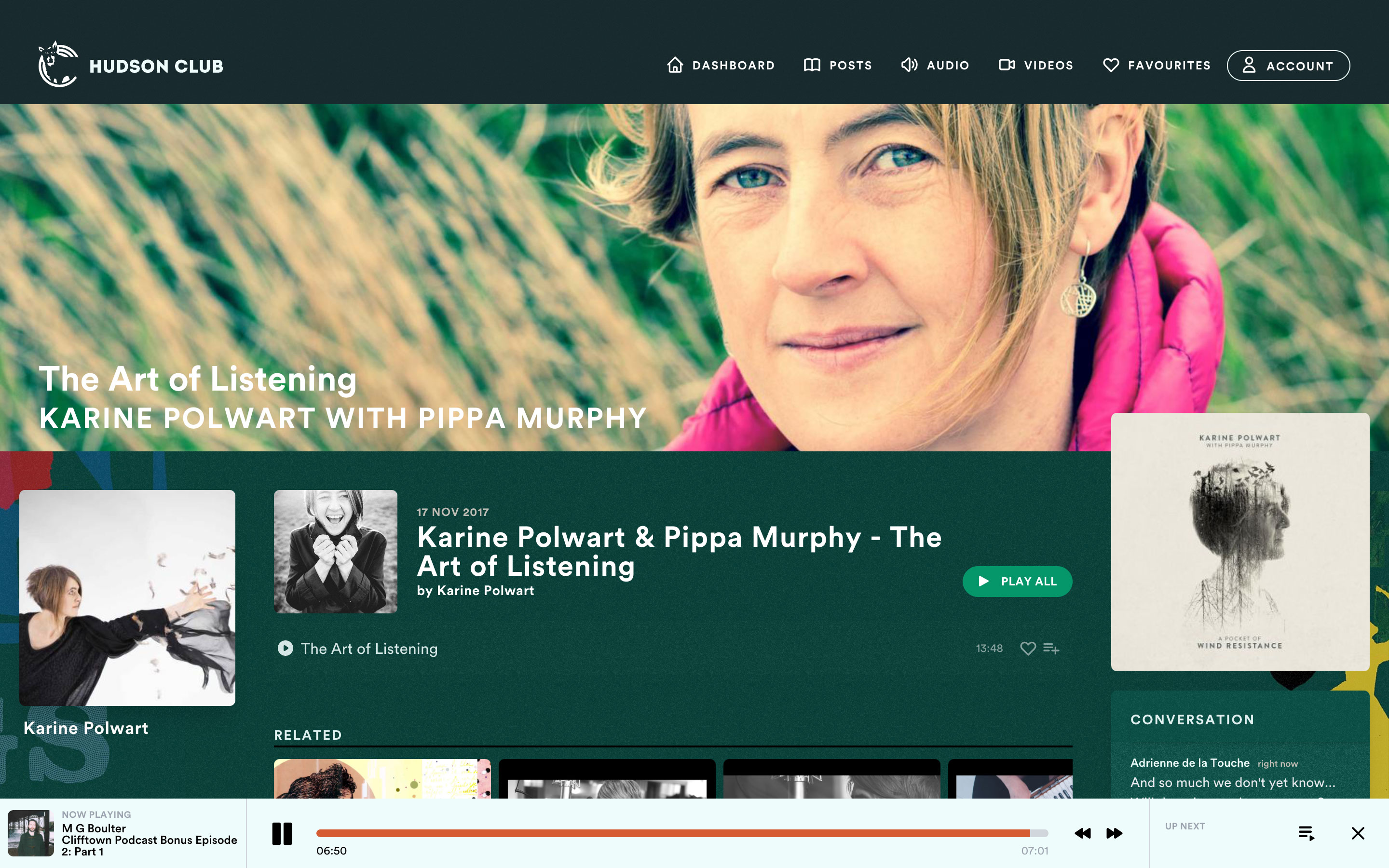
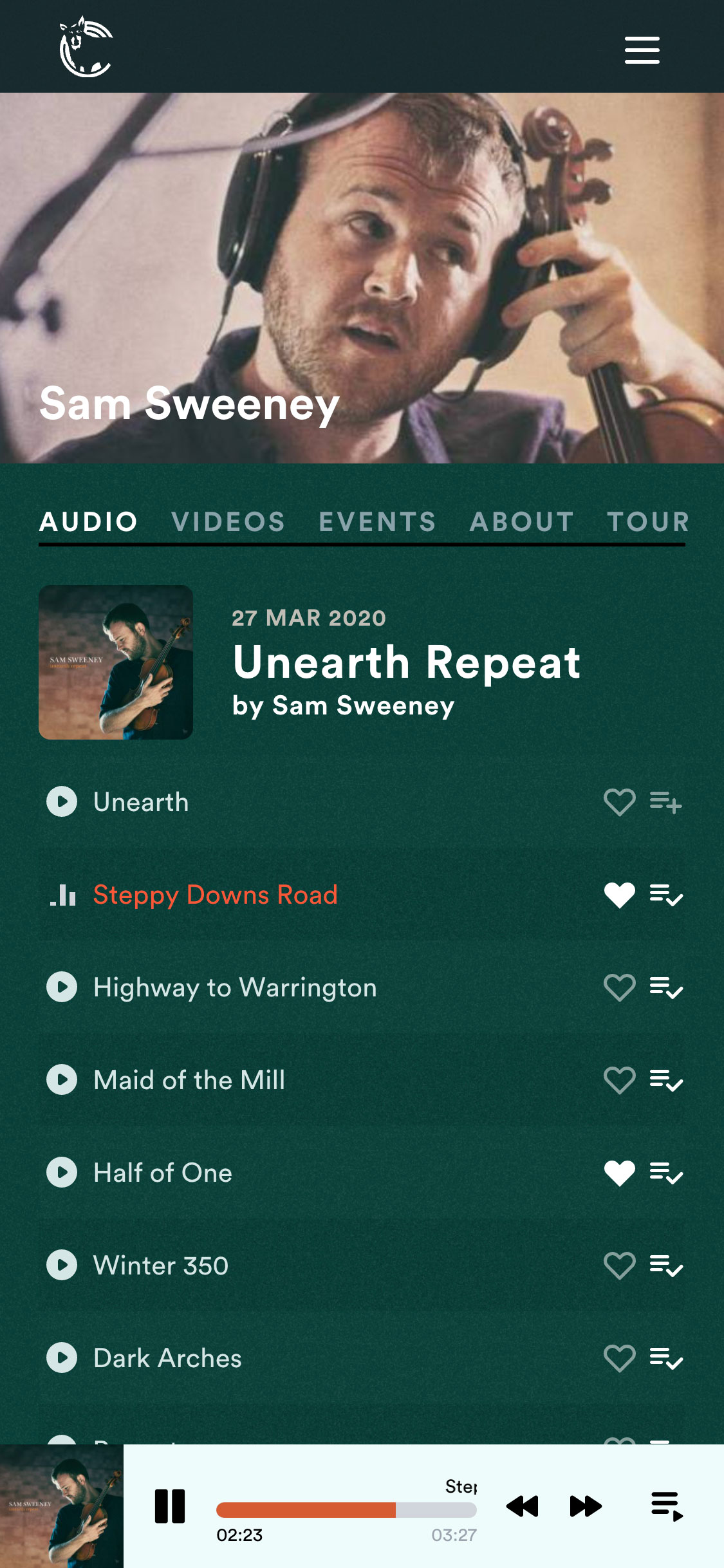

By subscribing directly, more of your money goes to Hudson Club, directly supporting our artists to continue to create and share new music and events.
Your subscription is billed monthly via Stripe. You can cancel at any time.
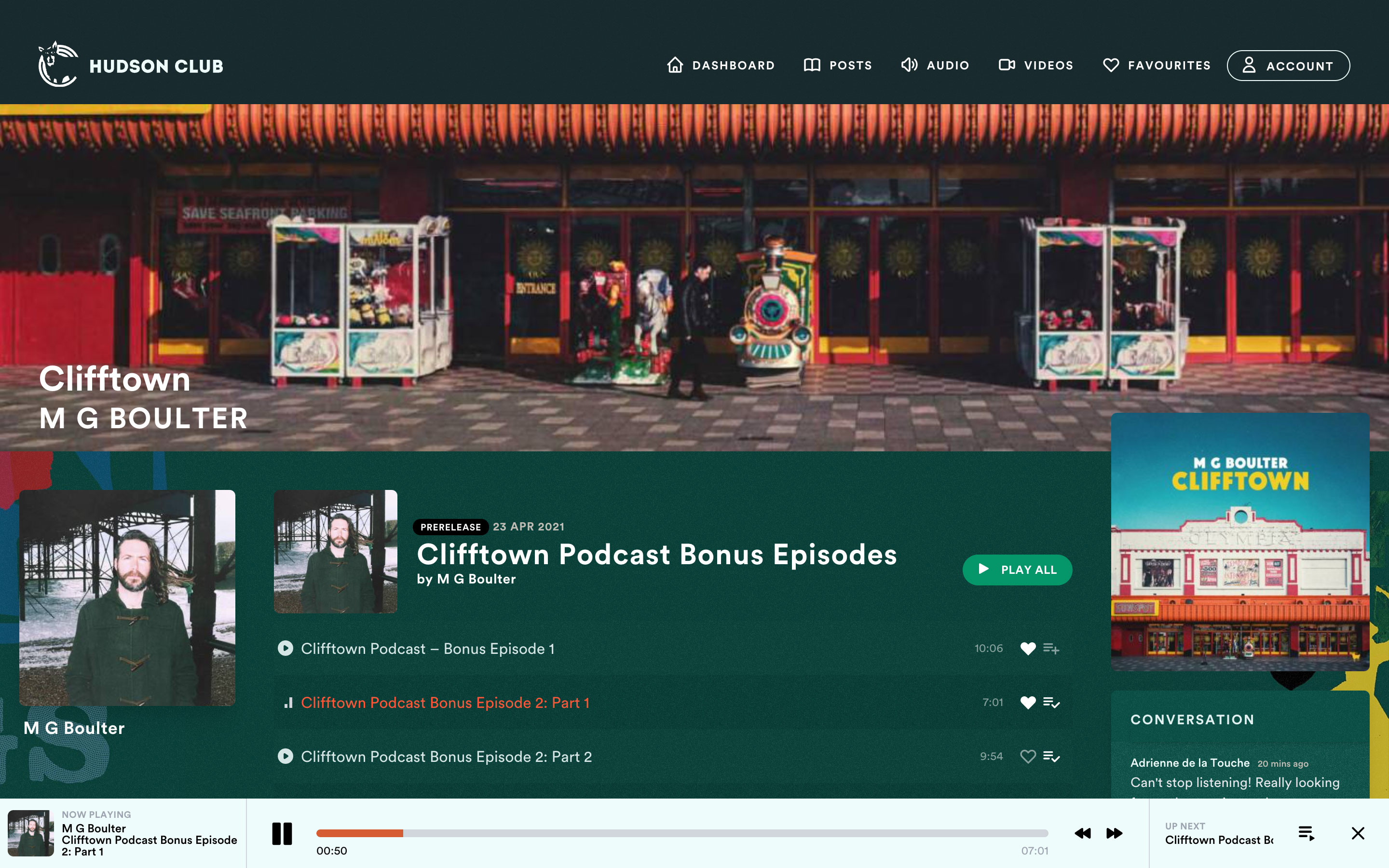
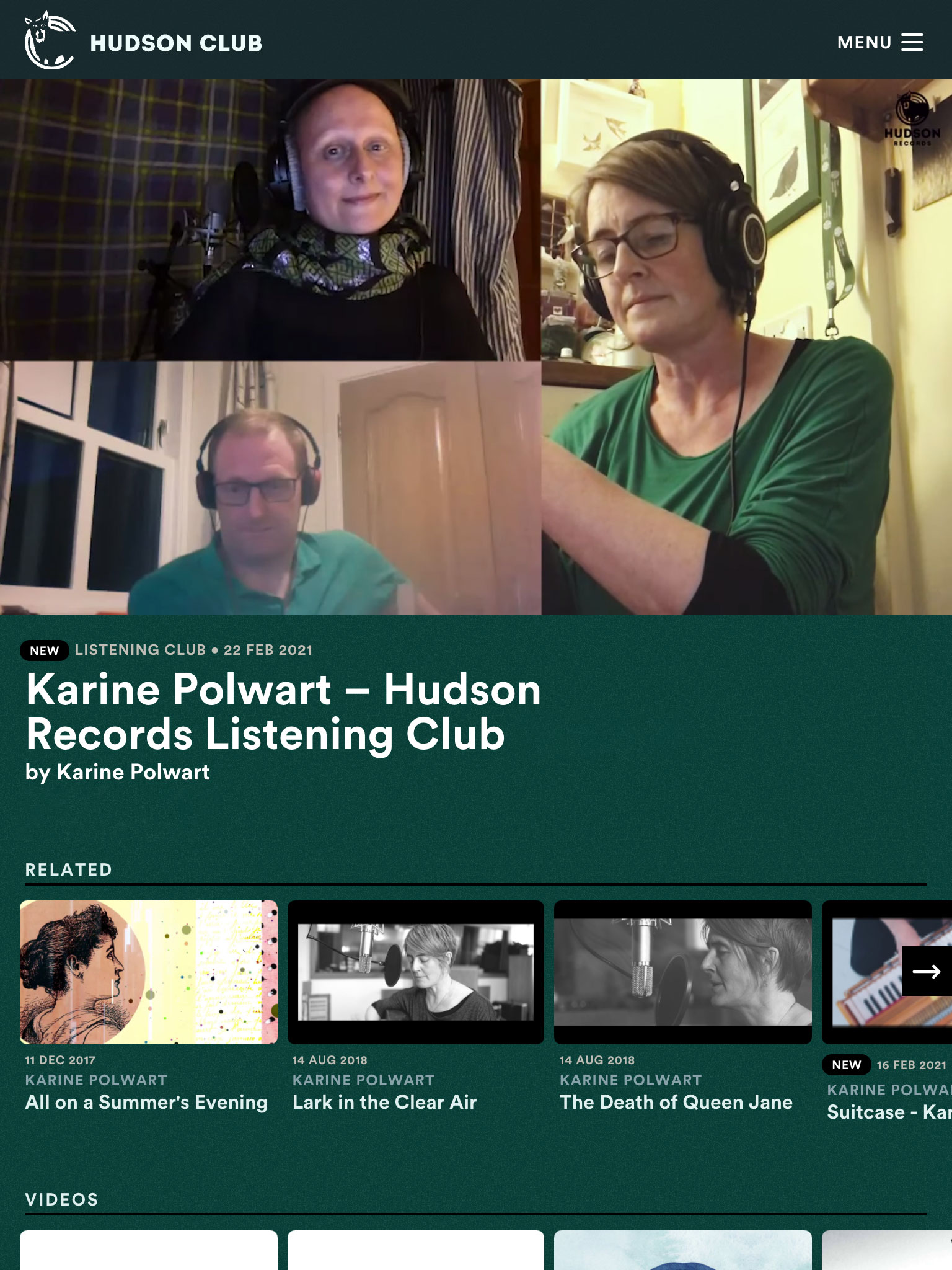
Here at Hudson Records we are always thinking about innovative ways to get music out there. Hudson Club is a way for as many people to enjoy the music as possible whilst making a positive impact for our artists, and at the same time helping to sustain our work in an ever-competitive musical world.
You can access Hudson Club as a subscriber to our Bandcamp page. Once you've set up your bandcamp subscription, you'll be able to access a link to create an account on Hudson Club.
If you need help creating an account or signing in, feel free to drop us an email and we'll be able to help out.
To update your billing details or to upgrade, downgrade or cancel your subscription, head to Account Settings.

Join our mail list and we'll send you updates on our latest news, releases, events and exclusive offers.
We'll never share your information with anyone else. View privacy policy.
This site is protected by reCAPTCHA and the Google Privacy Policy and Terms of Service apply.

We'll never share your information with anyone else. View privacy policy.
This site is protected by reCAPTCHA and the Google Privacy Policy and Terms of Service apply.